
Secure Virtual Data Rooms for Businesses in the Philippines
Secure document sharing, complete control. ShareAndGo is the virtual data room for finance, legal, and professional services teams in the Philippines, with your documents stored in Singapore. Upload, share, and track confidential documents with tamper-evident audit trails.
And a built-in Model Context Protocol server, so you can connect Claude or ChatGPT straight to a data room to ask questions, search across rooms, and organise documents, with every action audited.
Visitors, document views and time in the room, with AI access you switch on per room. Ask for every document you need and see what's provided, waiting for review or still missing. Each group sees only the folders you allow; everything else stays hidden. Everyone you invited, their group and how engaged they are. A tamper-evident record of who viewed what, and when.
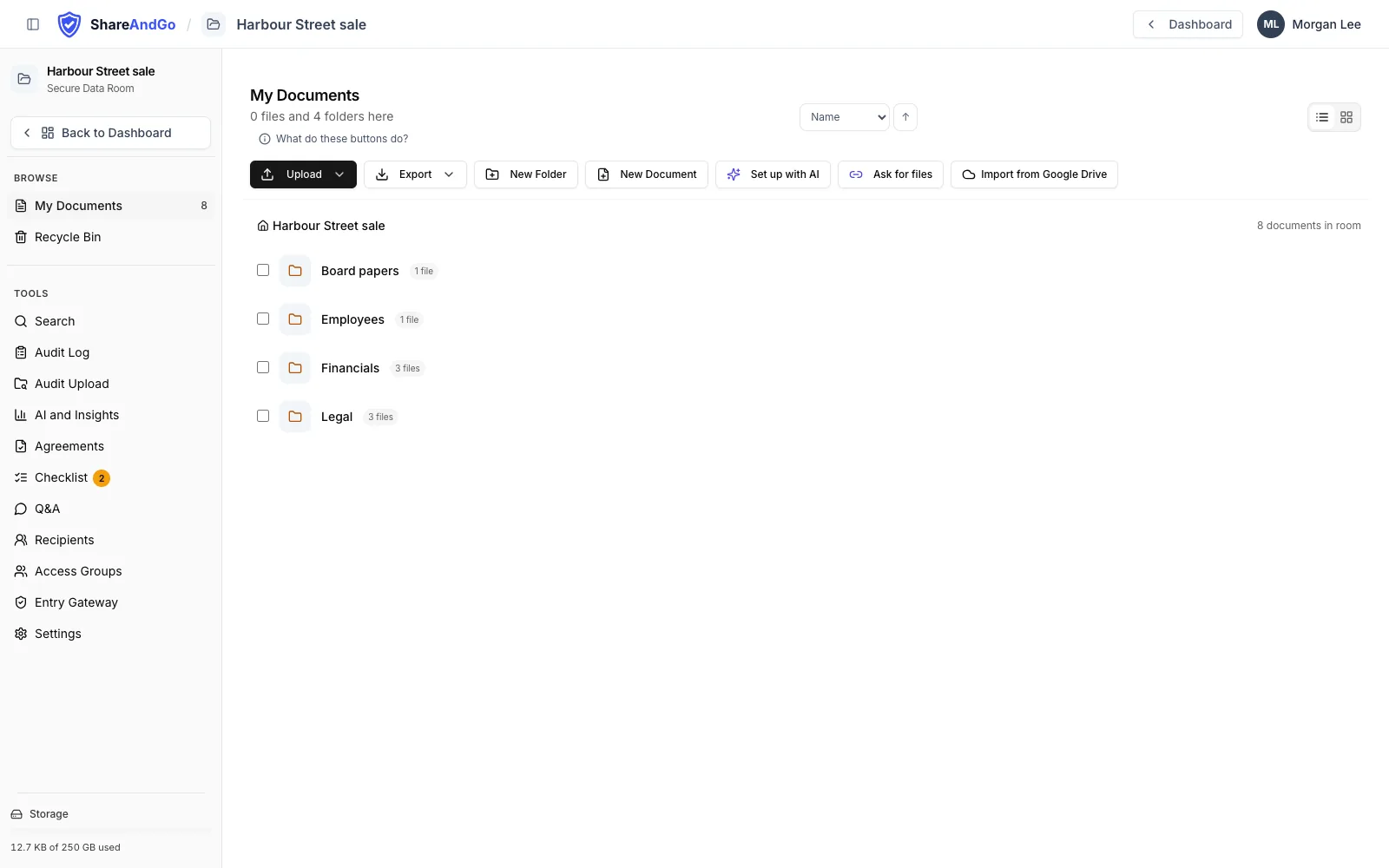
Real screenshots of ShareAndGo, taken in a demo workspace. The businesses, people and documents are invented.
Bring your own AI.
Connect Claude or ChatGPT directly to your data rooms. Ask questions, search across every room you have access to, even let your AI upload, organise, and tidy documents. All without copying a single file off our platform.
The enterprise data rooms that offer this gate it behind premium tiers or a sales quote. ShareAndGo includes native Model Context Protocol (MCP) support on every plan, from day one. Your AI sees only the rooms you allow, with full audit logs and two separate consent gates for read and write.
Add this one endpoint in Claude or ChatGPT and it reaches ShareAndGo, scoped to the rooms you have been granted.
File uploads and bulk write operations work best in Claude Desktop, ChatGPT Desktop, or custom MCP clients.
Built for teams who need more than a shared folder
Scattered documents slow deals
Centralise all deal documents in one secure data room. Drag, drop, and organise with full-text search across every file.
Audit gaps create compliance risk
Every document view, download, and search is logged with timestamps and IP addresses. Generate complete audit trails on demand.
Weak access controls leak data
Time-limited access links, opened with a one-time code sent to each person's email. Require NDA acceptance before any document is visible. Revoke access instantly.
From upload to shared in four steps
Create a data room
Set up a secure virtual data room with a name, description, and branding.
Upload documents
Drag and drop PDFs, Word docs, spreadsheets, and images. AI extracts text for search.
Invite participants
Generate access links that check each guest's email with a one-time code. Set expiry dates. Require NDA acceptance.
Track everything
Monitor who viewed what and when, with a full audit trail on every action. On Professional and above, see how long each person spent on each document.
Everything you need for secure document sharing
Deep Search with Context
Search across every document (PDFs, Word, Excel, PowerPoint). See exactly where your term appears with highlighted snippets and page numbers.
Tamper-Evident Audit Trails
Every view, upload, download, and search is logged with SHA-256 hash chaining, timestamps, and IP addresses.
Batch Invites & Contacts
Invite up to 50 people at once from your contact list. Frequent contacts surface first. Save new recipients with one click.
NDA Gating
Require visitors to accept an NDA before they see any document, with a record of who accepted and when.
View Duration Tracking
On Professional and above, see exactly how long each person spent on each document, measured as they read.
In-Browser Spreadsheets
Excel files (.xlsx/.xls/.xlsm) open right in the browser with sheet tabs. For no-download recipients they're securely server-rendered, so the raw file never lands on their disk: real view-only for spreadsheets, not the courtesy barrier other VDRs offer.
Drag & Drop with Folders
Upload files by dragging them into the browser. Organise with nested folders and drag-and-drop reordering.
Document Versioning
Re-upload a document and choose: replace as a new version (history preserved), keep both, or skip. Full per-document version history with audit trail of every supersede.
Dynamic Watermarking
Per-recipient watermark on every view with email and timestamp. Any screenshot is traceable back to the viewer: accountability that paper-based marking can't match.
Email Verification Access
No passwords to remember. Recipients verify via a 6-digit code sent to their email. Password links available as fallback.
Insights & Analytics
Per-room analytics dashboard with visitor tracking, document engagement, team activity, and email delivery status.
Singapore Data Residency
Documents stored and processed in Singapore on Google Cloud Platform.
Q&A Workflows
Auditors ask questions about documents. You reply. Every exchange is tracked, timestamped, and auditable. No more email chains.
AI PII detection
Finds ID numbers and bank details, so you can remove them before sharing. Powered by Google Gemini.
Email Notifications
Send access invitations via email. Track delivery status in real time.
Google & Microsoft Login
Sign in with Google or Microsoft. No separate account needed. Two-factor authentication and bank-style session timeout.
Developer API
Programmatic access with scoped API keys. Full documentation with Python, JavaScript, and cURL examples.
Audit Upload
Check every file made it into your room, file by file.
Security built in, not bolted on
- Email-verified access links6-digit OTP code via email, no passwords to manage
- Tamper-evident audit trailSHA-256 hash-chained log of every action with user identity and IP
- NDA gatingRequire visitors to accept an NDA before they see any document, with a record of who accepted and when
- Singapore data residencyGCP Singapore region, encrypted at rest (AES-256) and in transit
- Role-based access controlView only, Viewer, Contributor, Editor and admin, with each workspace kept separate
- Bank-style session securityConfigurable idle timeout with countdown, document watermarking, 2FA
Need documents signed?
ShareAndGo is built by the same team behind SignAndGo, a secure eSignature platform. Send, sign, and manage documents with electronic signatures.
- Tamper-evident audit trails
- Sequential and parallel signing workflows
- Singapore data residency
Frequently asked questions
What is a virtual data room?
Where is my data stored?
Do users need to create an account?
How does the NDA gating work?
Can I track who viewed my documents?
Can I search inside documents?
What file types are supported?
How is ShareAndGo related to SignAndGo?
Can I stop recipients forwarding a downloaded file or putting it into an AI tool?
What controls do I have over who sees my documents?
Can I invite people by text message?
See also
Explore ShareAndGo
What a VDR is & how ours works
Due diligence, audits & M&A
Honest 2026 comparison
Per-page vs flat + calculator
What is logged about a visitor
Getting your documents back out
Free interactive template
Free trial, no card needed
Send confidential files with control
Audit trails, NDA gating, AI search
Flat monthly plans
Give auditors controlled, audited access
Access groups, folder access, watermarking
Other comparisons
The enterprise VDR alternative
Data room controls and flat pricing
A data room vs cloud storage
Self-serve, with flat pricing
Self-serve signup
Transparent pricing
AI PII detection included
Flat pricing vs per-user seats
NDA gating, watermarks and Q&A
Data-room controls with no IT set-up
Per-recipient watermarks and NDA gating
AI-native, flat pricing
Flat pricing plus AI
A data room with AI
Flat pricing, built-in AI
M&A rooms, flat pricing
Use cases
By industry
Latest from the blog
Insights on secure document sharing, data rooms, and compliance.
Google Drive vs Virtual Data Room: When Free Isn't Secure Enough
Google Drive is free, familiar, and completely inadequate for confidential documents. Here's the nine-point checklist that shows where it falls short.
SecurityTamper-Evident Audit Trails: Why Timestamps Aren't Enough
A log file is not an audit trail. Here's why hash-chained records are the only way to prove a document wasn't accessed between events.
SecurityWatermarking vs DRM: Which Do You Actually Need?
Watermarks deter; DRM controls. They solve different problems and most teams only need one. Here's how to pick.